MouseGestureDragNewFun
Navigate Chrome with your mouse — gestures, drag-to-search, drag-to-ask-AI, and more. 100% local, no telemetry.
questions, support, or custom development: contact
What it does
MouseGestureDragNewFun is a Chrome extension that lets you browse faster using mouse motions instead of clicking through menus and buttons. Every feature below is fully customizable, and nothing you do inside the extension is ever collected, logged, or sent anywhere.
🖱️ Directional gestures
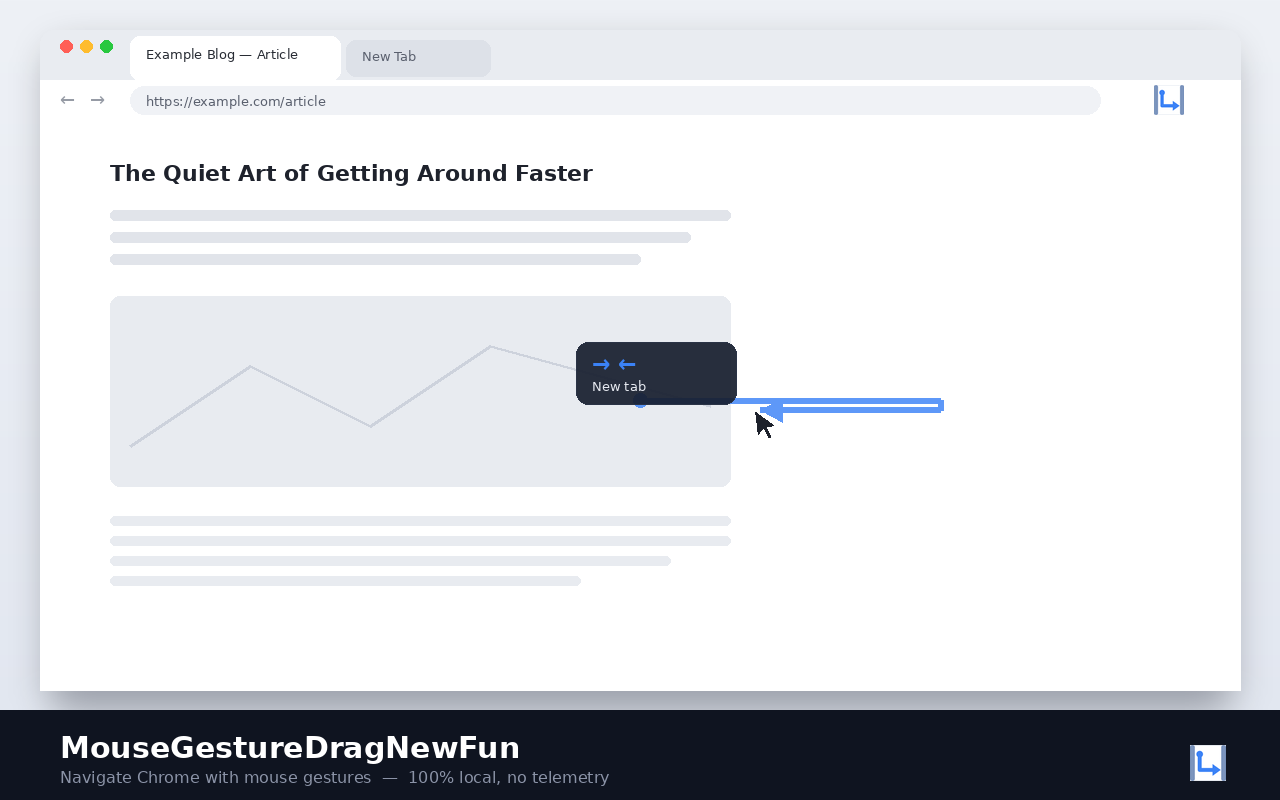
Hold a mouse button, draw a shape — up, down, left, right, or a chained combination — and release. The matching action runs instantly: go back or forward, open or close a tab, reload the page, scroll to the top or bottom, switch tabs, duplicate a tab, and more. Every gesture can be redrawn and reassigned from the settings page, and a live on-screen trail shows the shape as you draw it.
🔎 Drag-to-search & drag-to-ask-AI
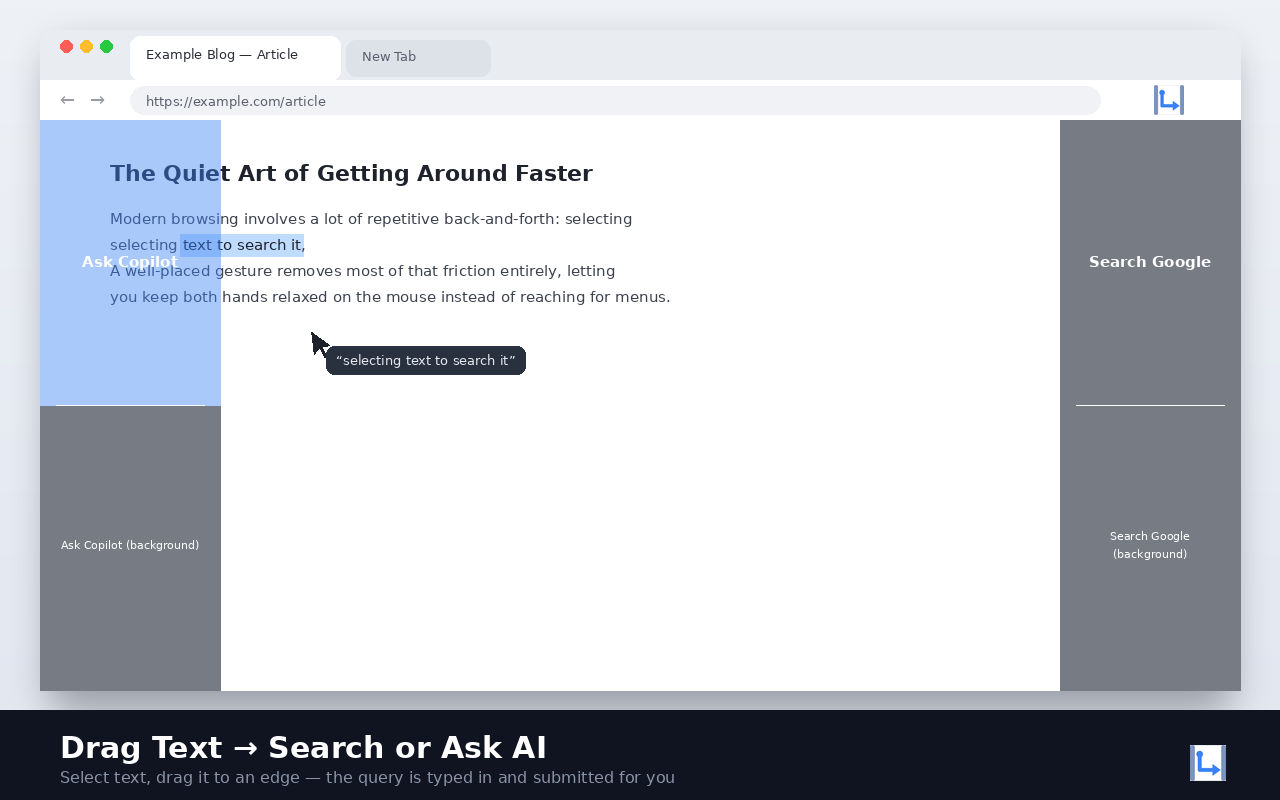
Select any text on a page, drag it to the edge of the screen, and drop it:
- Drop on the left edge to ask an AI assistant (Copilot by default — ChatGPT, Gemini, Claude, and Perplexity are also built in).
- Drop on the right edge to search it with your search engine of choice (Google by default — Bing, DuckDuckGo, and Yahoo are also built in).
The query is typed into the destination site and submitted automatically — no need to paste it in yourself.
🖼️ Drag images
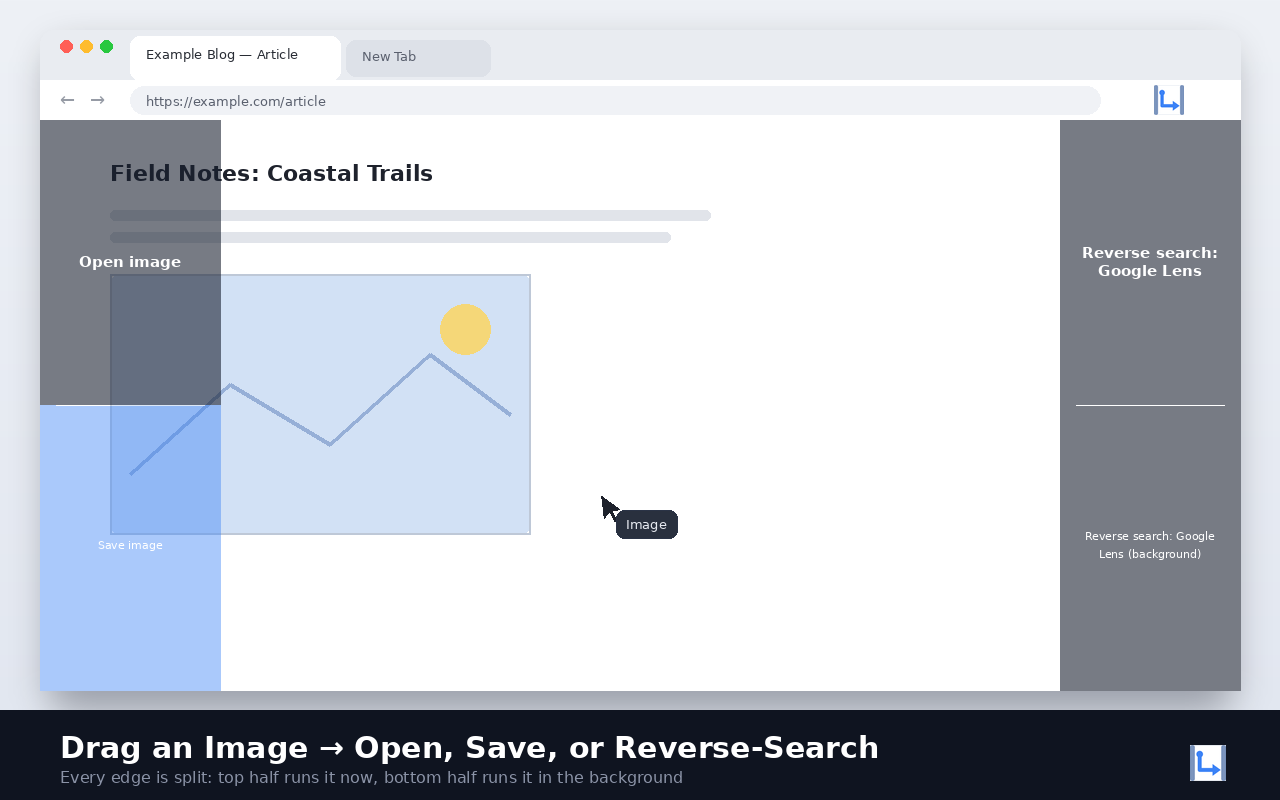
Grab any image on a page and drag it to the left edge to open it in a new tab or save it straight to disk (the top and bottom half of the zone choose which), or to the right edge to run a reverse image search (Google Lens, Bing Visual Search, Yandex, or TinEye).
🔗 Drag links
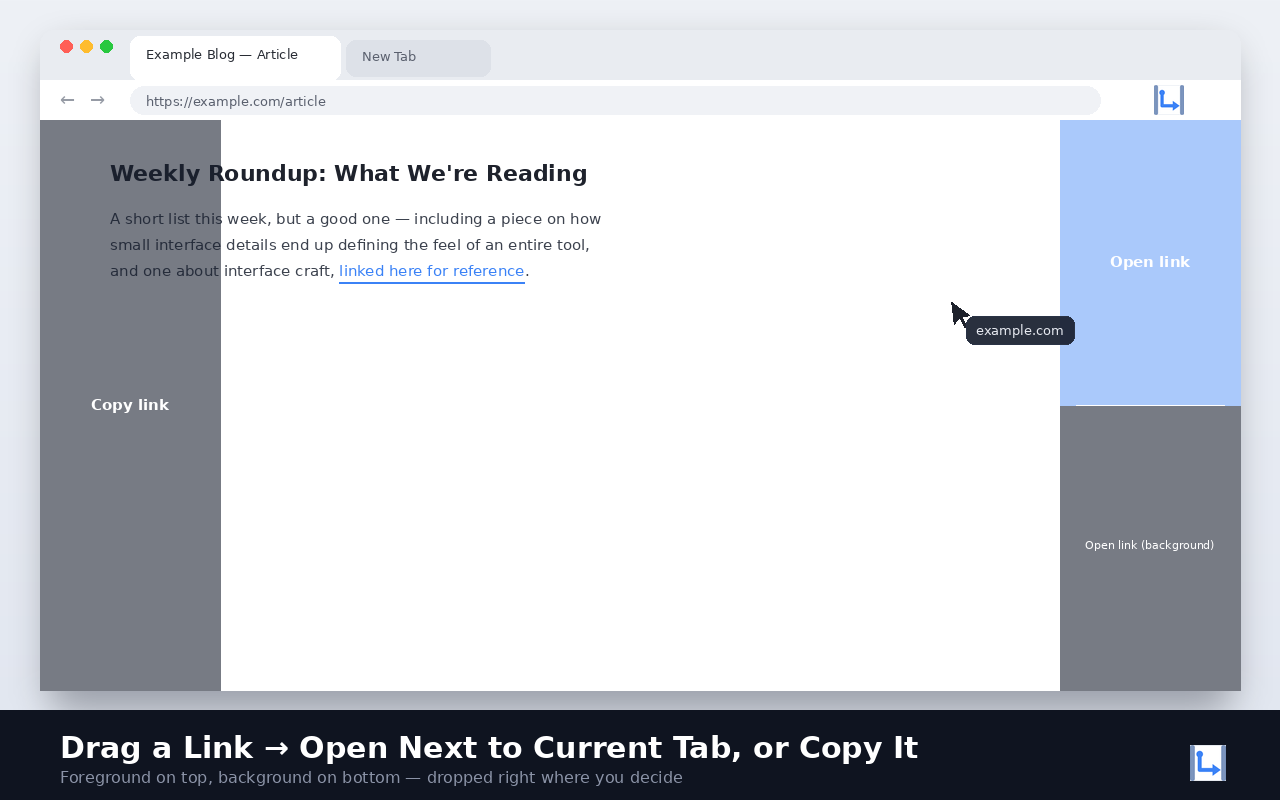
Drag any link to the left edge to copy it straight to the clipboard, or to the right edge to open it right next to your current tab (foreground or background — your choice).
⚡ Toolbar popup & right-click menu
Click the extension’s toolbar icon for a compact menu: switch your AI, search, or reverse-image engine in one click, or launch one of your starred gesture actions instantly — no drawing required. The same shortcuts are also available from Chrome’s own right-click menu, wherever you’re browsing.
🧩 Fully custom engines
Not happy with the built-in list? Add your own search engine, AI assistant, or reverse-image-search service by pasting a URL template — no coding required.
🔒 Privacy, genuinely
No analytics, no telemetry, no tracking pixels, no data collection of any kind. The extension makes no network request other than opening the pages you explicitly drag content to. All of your settings stay on your own device.
Default gestures
| Gesture | Action |
|---|---|
| ← | Go back |
| → | Go forward |
| ↑ | Scroll to top |
| ↓ | Scroll to bottom |
| ↑↓ | Reload page |
| →← | New tab |
| ↓→ | Close tab |
| ↑→ | Next tab |
| ↑← | Previous tab |
Every gesture is remappable — this is just the starting point.
Sponsored by TR-Softwares